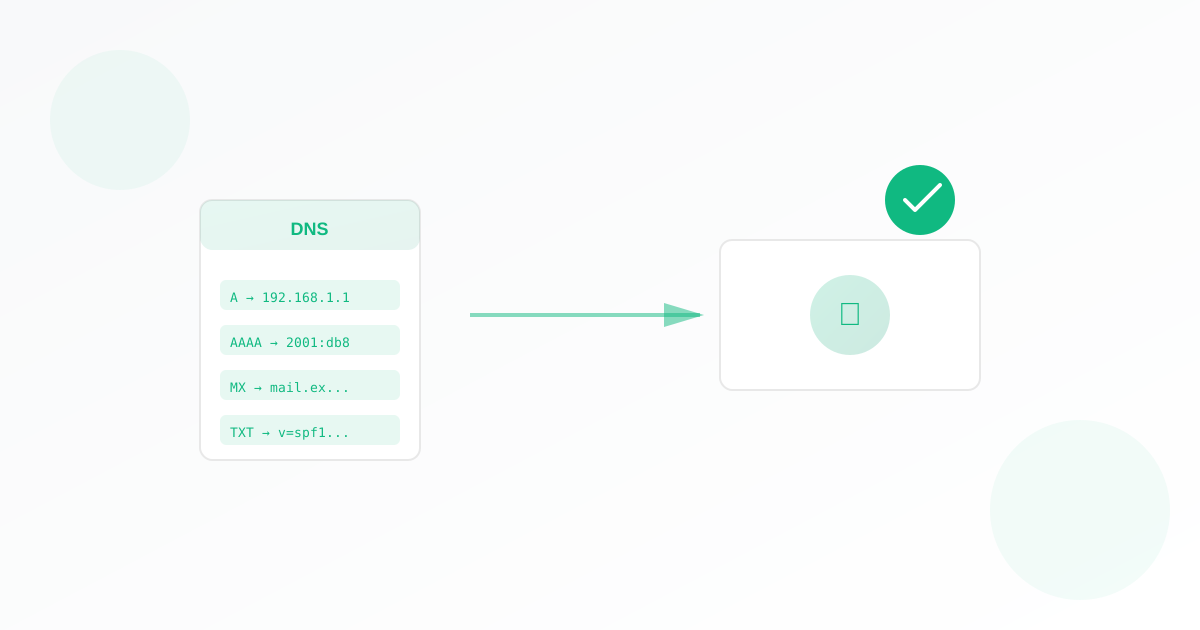
A DNS monitor checks your domain’s DNS records and alerts you when they change or cannot be read. For business owners, that means you spot misconfigurations, hijacking, or propagation issues before they affect your site or email. This guide walks you through why it matters and how to set one up.
Why Business Owners Should Use a DNS Monitor
DNS links your domain name to servers (e.g. web, email). If records change by mistake or by an attacker, your site or email can break or be redirected. Changes can be hard to notice until something fails. A DNS monitor watches from outside and tells you as soon as something changes.
- Detect DNS hijacking: Unauthorised changes to your records can redirect traffic or email. A monitor spots changes quickly.
- Catch misconfigurations: After a change at your host or registrar, a wrong value can cause outages. Monitoring helps you verify nothing broke.
- Track propagation: After you change DNS, you can see when the new values are visible from the monitor’s perspective.
What You Need Before You Start
You need the hostname (domain or subdomain) you want to monitor, for example:
- example.com
- www.example.com
- mail.example.com
You can optionally choose which record type to check (e.g. A, AAAA, CNAME, MX, NS, or “any” for all). The default “any” is fine for most uses.
How to Set Up Your DNS Monitor
- Open the DNS monitor form.
- Name your monitor (e.g. “Main domain DNS” or “Mail DNS”).
- Enter the hostname (e.g. example.com or www.example.com). Do not include https://.
- Optionally choose the record type to monitor (default is “any”).
- Set how often to check and who gets alerts (watchers), then save. Your DNS monitor is now active.
Everything runs from Exomonitor; you do not install anything on your servers.
When You Will Get Alerts
Exomonitor sends an email when:
- The DNS records for your hostname change compared to the previous check.
- The records cannot be read (e.g. lookup failure or timeout).
That way you know as soon as something changes or goes wrong.
What the Monitor Actually Checks
The DNS monitor:
- Queries DNS for your hostname and the chosen record type (or all types).
- Compares the current result to the last stored result.
- Alerts if the values changed or if the lookup failed.
So you see when records change or when DNS is unavailable.
Next Steps
Set up your first DNS monitor: go to Create DNS monitor, enter your hostname, set the check frequency and watchers, and save. You can add more monitors for other domains or subdomains.
For full coverage, combine a DNS monitor with a web monitor and an SSL monitor so you know when DNS, uptime, or certificates are affected.
Ready to start monitoring?
Get instant alerts when issues occur, so you can quickly troubleshoot and fix problems.
Flexible monitoring:
- Select the frequency that works for your needs
- Stop or pause the monitor at any time
- Pricing updates automatically based on frequency
- Set up monitors before entering payment details