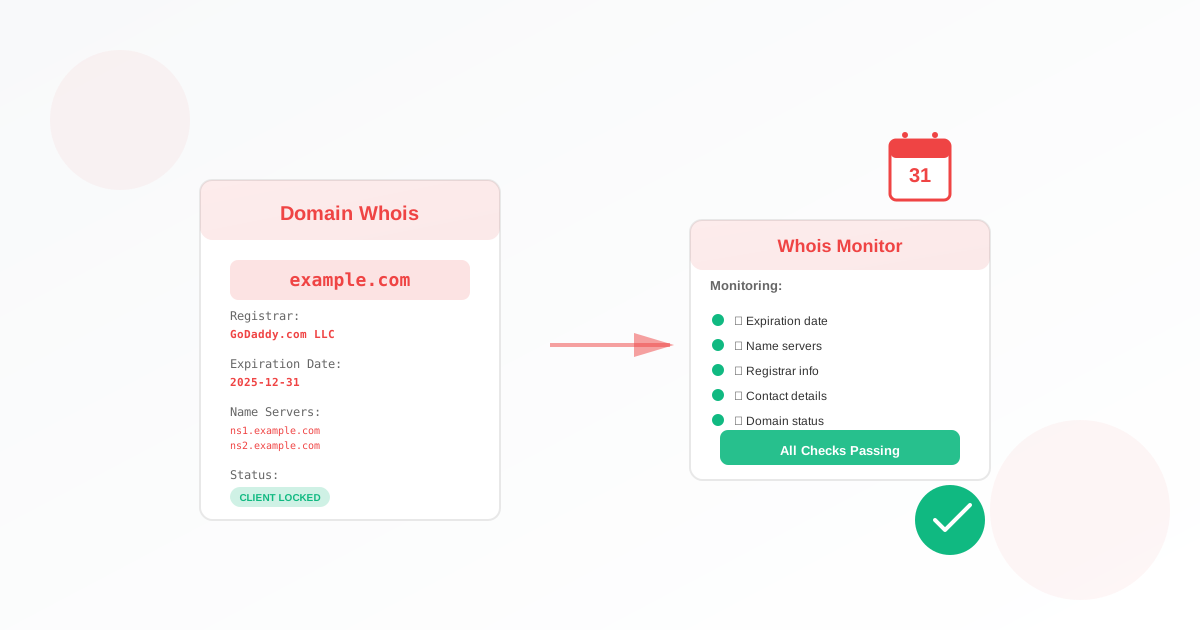
A domain registration monitor checks your domain’s WHOIS data and alerts you before the registration expires. For business owners, that means you get a reminder in time to renew so you do not lose the domain. This guide walks you through why it matters and how to set one up.
Why Business Owners Should Use a Domain Registration Monitor
If your domain expires, someone else can register it. You can lose your brand, your email, and your website. Renewals are easy to forget when you are busy. A domain monitor watches the expiration date and warns you in advance so you can renew in time.
- Avoid losing your domain: Get alerts before expiry so you never miss a renewal.
- Protect your brand: If the domain is your brand name, losing it can be costly or impossible to get back.
- Keep email and site: Many domains host email and site; expiration can break both.
What You Need Before You Start
You need the domain name you want to monitor (e.g. example.com, mysite.org). Use the root domain without www or https://. You can monitor one domain per monitor or, when creating several monitors, use multiple domains. No server access or technical setup is required.
How to Set Up Your Domain Registration Monitor
- Open the domain registration monitor form.
- Name your monitor (e.g. “Main domain” or “Brand domains”).
- Enter the domain to monitor (e.g. example.com). Do not include www or a protocol.
- (Optional) When creating more than one monitor, you can use the option to add multiple domains; each will get its own monitor.
- Set how often to check and who gets alerts (watchers), then save. Your domain monitor is now active.
Everything runs from Exomonitor; you do not install anything. The monitor uses WHOIS data to read the expiration date.
When You Will Get Alerts
Exomonitor sends an email when:
- The domain’s registration is approaching expiry (you get advance warning so you can renew).
- The expiration date or registration details change (so you know if something in WHOIS changes).
That way you are never caught off guard by an expiring domain.
What the Monitor Actually Checks
The domain registration monitor:
- Looks up the domain’s WHOIS data (expiration date, registrar, status).
- Tracks the expiration date and any important changes.
- Alerts you in advance of expiry and when relevant details change.
So you always know when to renew and when something in the record changes.
Next Steps
Set up your first domain monitor: go to Create domain registration monitor, enter your domain, set the check frequency and watchers, and save. Add more monitors for other domains if needed.
Combine a domain registration monitor with an SSL monitor so you keep both your domain and your certificate renewed in time.
Ready to start monitoring?
Get instant alerts when issues occur, so you can quickly troubleshoot and fix problems.
Flexible monitoring:
- Select the frequency that works for your needs
- Stop or pause the monitor at any time
- Pricing updates automatically based on frequency
- Set up monitors before entering payment details