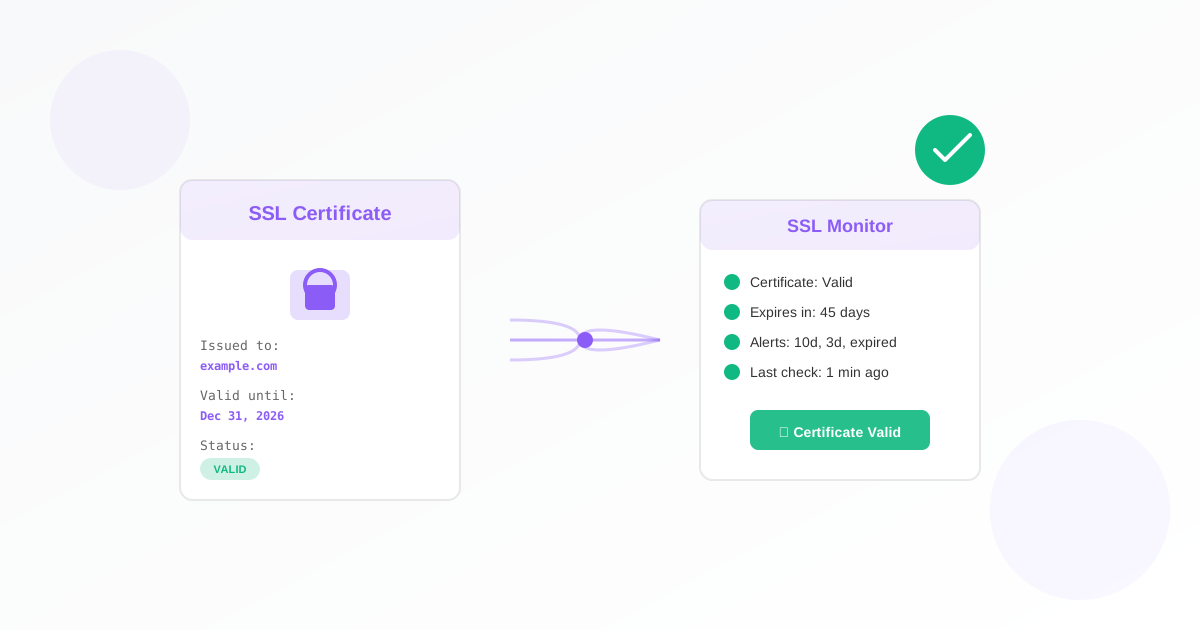
An SSL certificate monitor checks your website’s HTTPS certificate and warns you before it expires. For business owners, that means no surprise “Not Secure” warnings, no lost sales, and one less thing to forget. This guide walks you through why it matters and how to set one up.
Why Business Owners Should Use an SSL Monitor
Your site’s SSL/TLS certificate is what makes the padlock and “https” possible. When it expires, browsers show warnings, customers may leave, and search rankings can drop. Renewals are easy to miss when you’re focused on running the business.
- Avoid lost trust and sales: Visitors see “Your connection is not private” and often bounce. An SSL monitor gives you advance notice so you renew in time.
- Stay compliant: If you take payments, valid SSL is part of PCI DSS expectations. Monitoring helps you stay on top of expiry.
- Protect your reputation: Expired certificates look unprofessional and can hurt SEO. Proactive monitoring keeps your site consistently secure.
For more on what happens when certificates expire and the full impact, read our article on why you should monitor your SSL certificate.
What You Need Before You Start
You only need one thing: the hostname where your certificate is used. That’s the domain people type in the browser (without https://). Examples:
- Your main site: example.com or www.example.com
- An API or app: api.example.com
No server access, no technical setup. Just the domain name.
How to Set Up Your SSL Monitor
- Open the SSL monitor form.
- Name your monitor. Give it a name you’ll recognise (e.g. “Main website SSL” or “Shop certificate”).
- Enter the hostname. In the “Hostname to monitor” field, enter the domain, e.g. example.com, www.example.com, or api.example.com. Do not include https://.
- Set how often to check. Choose how frequently Exomonitor should check the certificate (e.g. daily). This is in the shared monitor settings.
- Add who gets alerts. Add your email (and any teammates) as watchers so you get notified before expiry.
- Save. Your SSL monitor is now active.
The monitor checks the certificate’s expiration date, validity, and chain. You don’t install anything on your server; everything runs from Exomonitor.
When You’ll Get Alerts
Exomonitor sends email alerts at three points:
- 10 days before expiry: time to renew without rush.
- 3 days before expiry: reminder if renewal isn’t done yet.
- When the certificate has expired: you know immediately and can fix it.
That way you’re never caught off guard, even if renewal slips your mind.
What the Monitor Actually Checks
The SSL monitor looks at:
- Expiration date: when the certificate stops being valid.
- Validity: that the certificate is accepted by the system.
- Chain issues: that the certificate chain is correct so browsers trust it.
If the check fails (e.g. domain not found, connection problem), you get an alert with a clear message so you can fix the issue.
Next Steps
Set up your first SSL monitor in a few minutes: go to Create SSL monitor, enter your hostname, add your email as a watcher, and save. You can add more monitors later for other domains (e.g. www, api, or shop).
If you run a website and want to watch uptime as well as SSL, consider adding a web monitor so you know when the site is down or slow. Together, SSL and web monitoring give you simple, reliable coverage for your online presence.
Ready to start monitoring?
Get instant alerts when issues occur, so you can quickly troubleshoot and fix problems.
Flexible monitoring:
- Select the frequency that works for your needs
- Stop or pause the monitor at any time
- Pricing updates automatically based on frequency
- Set up monitors before entering payment details